Log your meal
Record your food, portions and estimated calories. The screens show a simulated meal photo preview.
Energy from food minus energy spent moving. See your estimated balance in kcal, all in one place.
Explore the screensAvailable on the App Store and Google Play.
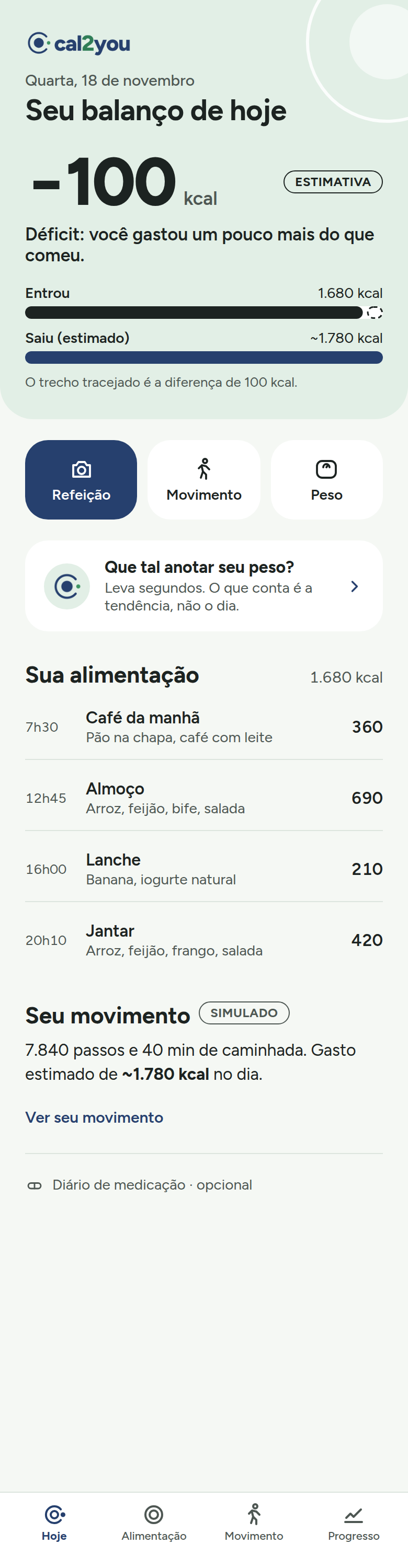
Record your food, portions and estimated calories. The screens show a simulated meal photo preview.
Log your activities to estimate how much energy you use during the day.
See how your weight changes over several weeks. It’s the week that counts.
Energy in, energy out and your estimated daily balance.
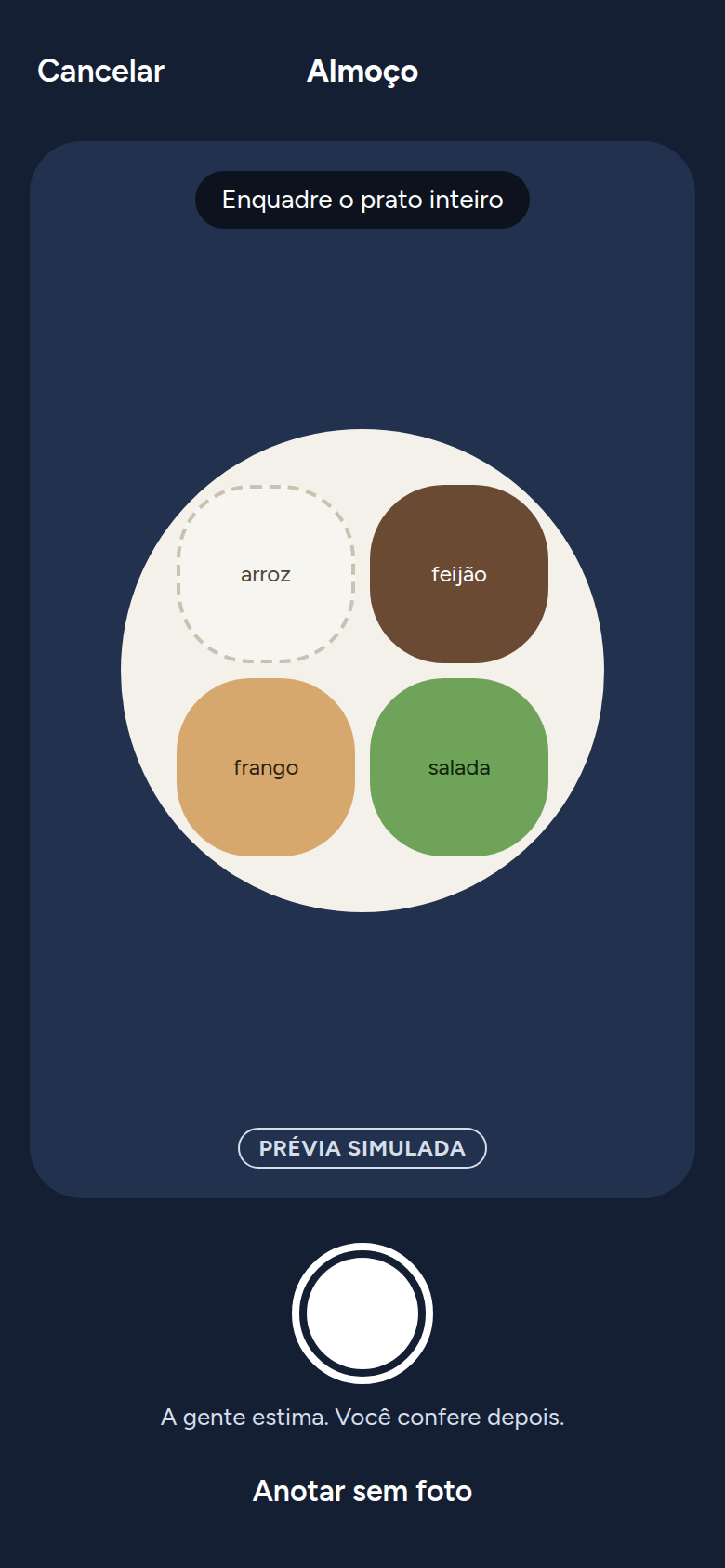
The meal camera in this simulated preview.
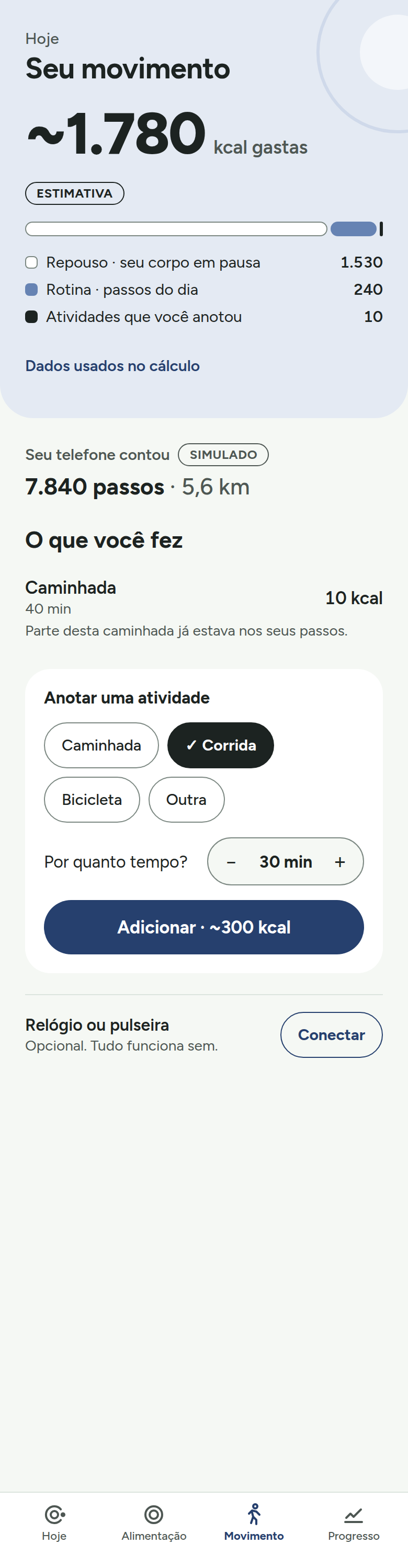
Your steps and logged activities for the day.
“It’s the trend that counts, not a single day.”
The chart shows your weight entries over time. The Moon indicator tracks your progress toward your goal.
The arc starts at three o’clock and moves clockwise. A full circle means you’ve reached your goal.
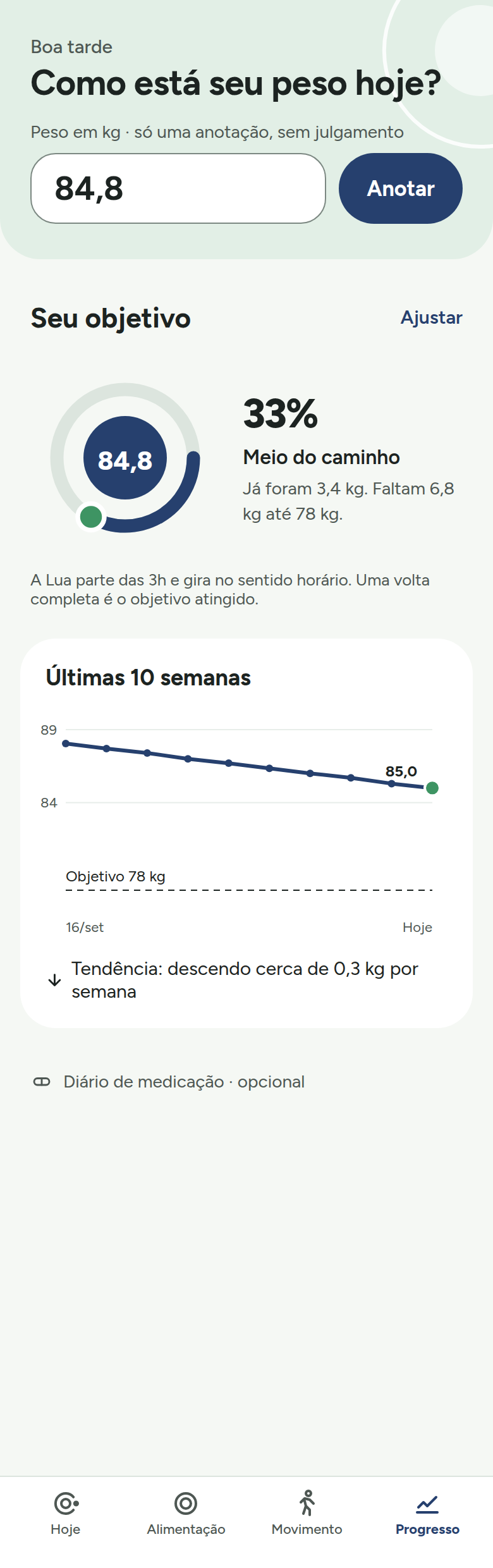
Your weight chart and the Moon progress indicator.
Calories from food and movement are estimates. In this version, meal photo analysis is simulated. The app does not replace professional care.
Log your injection dates and track your weight-loss pen use alongside changes in your weight.
Cal2you does not recommend or adjust doses. Always follow your doctor’s guidance.
You can use the current version without signing up. Your entries are stored in the database on your device. Sign-in is in development.
Today you can log meals manually. The development preview shows the same sample meal regardless of the image. Analysis of actual meal photos is in development.
The screenshots show simulated steps. In the current store configuration, no step count is available. You can log activities manually.
In the diary, tap “Delete” next to the entry. Check the date and weight before confirming. To clear all local records, see the data deletion instructions.